AWS-Logo_White-Color
1.
Introduction
2.
Create IAM User
3.
Create IAM Policy
4.
Create IAM Role
5.
Check Policy
5.1
Switch Role
5.2
Check IAM Policy
5.2.1
Access EC2 console in AWS Region - Tokyo
5.2.2
Access EC2 console in AWS Region - North Virginia
5.2.3
Create EC2 instance without and with Tags that meet conditions
5.2.4
Edit Resource Tag on EC2 Instance
5.2.5
Check Policy
6.
Resource Cleanup
More
AWS Study Group - Blog
AWS Study Group - FB Group
English
Tiếng Việt
Clear History
Workshop
Cloud Journey
Last Updated
18-08-2026
Team
Gia Hưng
Bình Nguyễn
Hoàng Long
Managing EC2 Resource Tag Access with AWS IAM
>
Check Policy
>
Check IAM Policy
> Access EC2 console in AWS Region - Tokyo
Access EC2 console in AWS Region - Tokyo
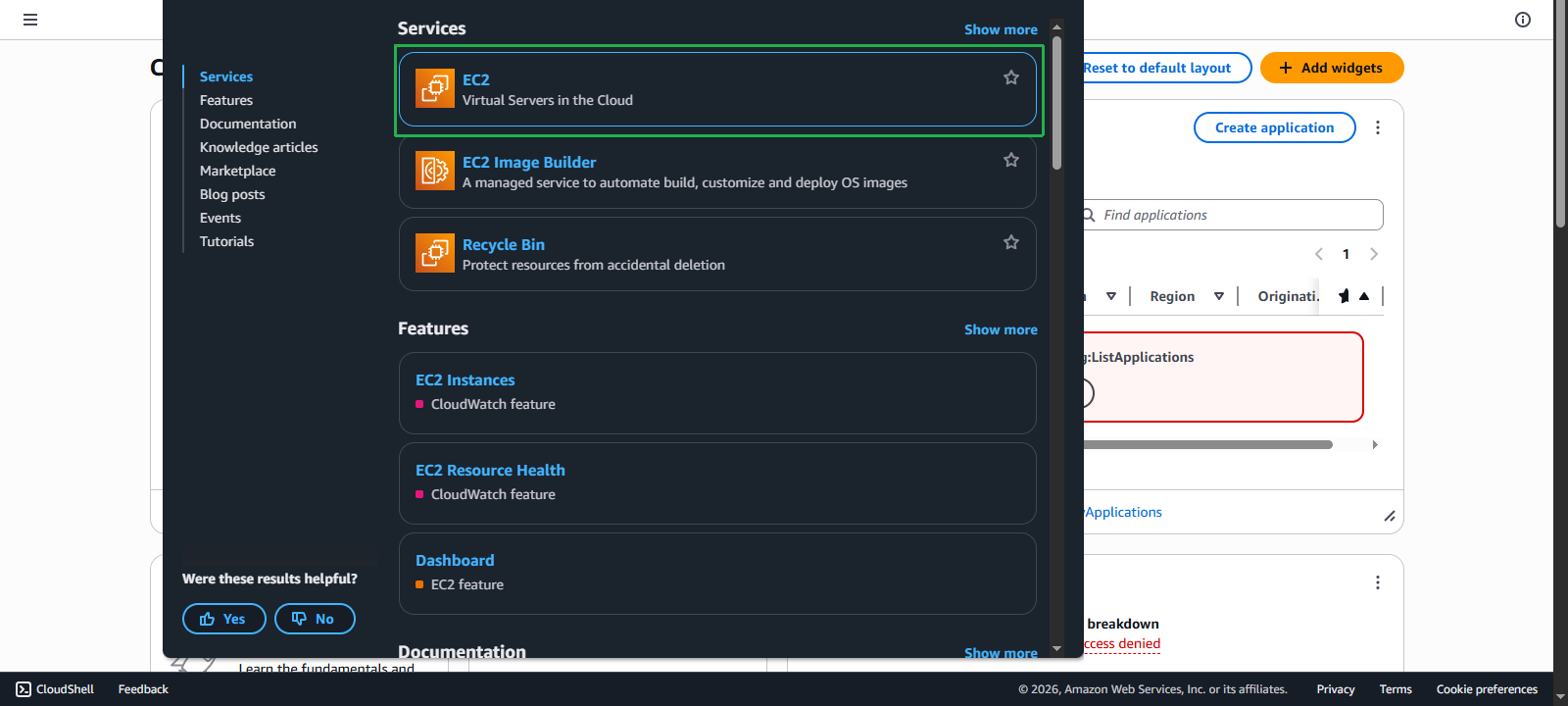
Log in to
AWS EC2 Console
and access
EC2 service
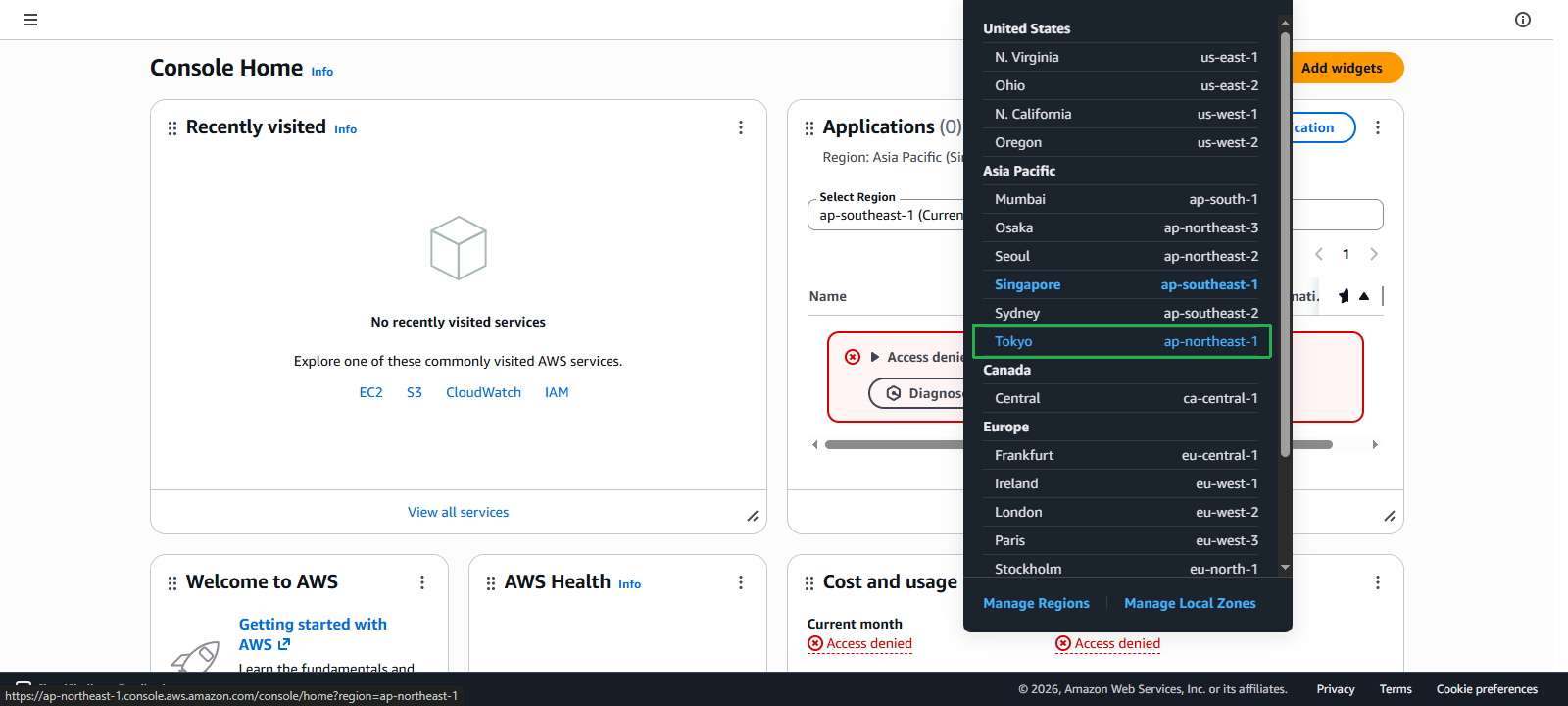
in
ap-northeast-1 (Tokyo)
via the URL -
https://ap-northeast-1.console.aws.amazon.com/ec2/v2/home?region=ap-northeast-1
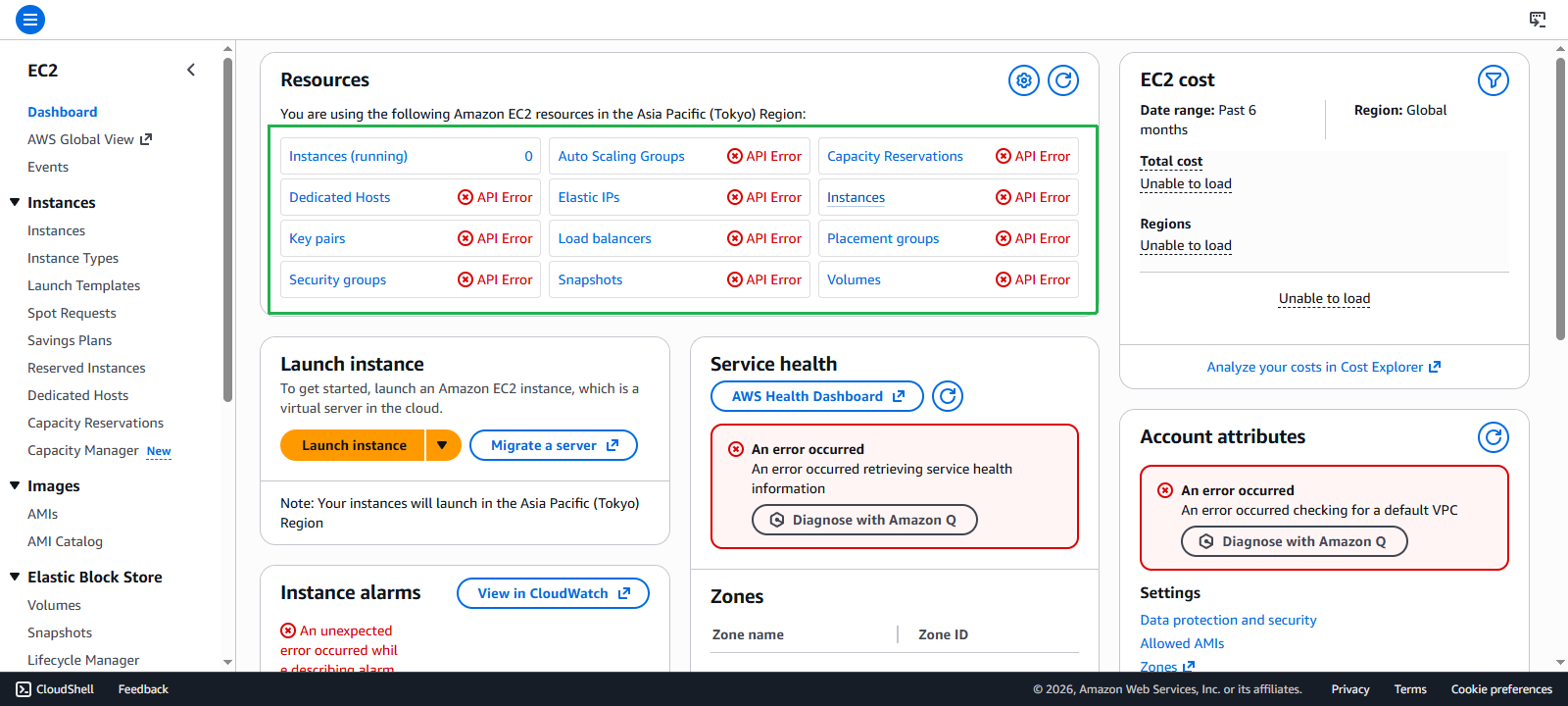
When accessing the Dashboard, we will notice a series of errors containing the phrase
API Error
.
Thus the first test has passed because
ap-northeast-1
is not in the allowed
AWS Regions
.